

Highlights
- What IndexNow actually does, and which search engines support it
- Two beginner-friendly setup methods: the official plugin and popular SEO plugins (Rank Math, Yoast, AIOSEO)
- Why Google is not part of IndexNow, and what that means for your SEO strategy
- How to confirm your IndexNow setup is actually submitting URLs
- Common setup mistakes that quietly break the integration
How to Add IndexNow in WordPress: Step-by-Step Setup Guide (2026)
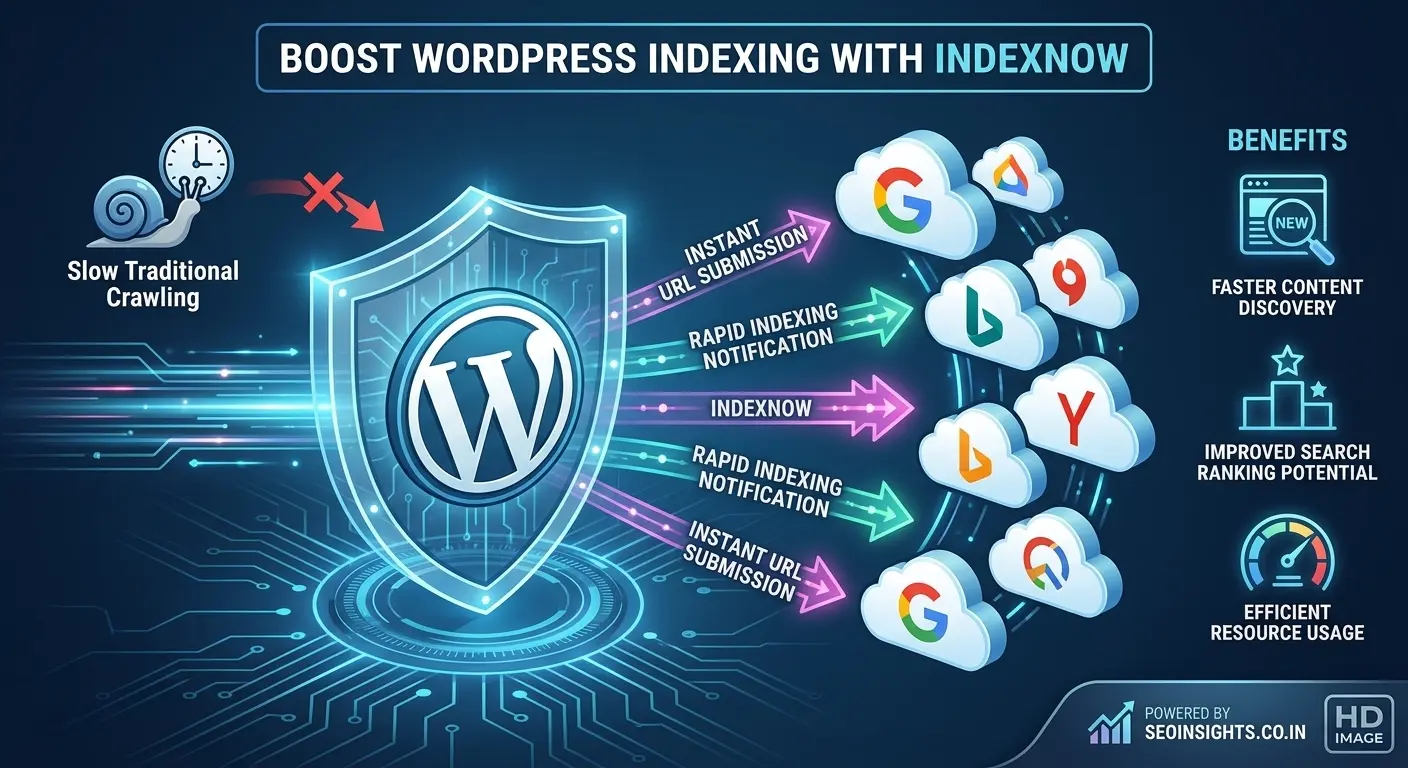
If you publish or update content on WordPress regularly, there’s often a lag between hitting “Publish” and search engines actually noticing the change. IndexNow closes that gap. It’s a lightweight protocol that lets your site notify participating search engines the moment content is created, updated, or deleted — instead of waiting for their crawlers to stumble upon it.
This guide walks through exactly how to add IndexNow to a WordPress site in 2026, using beginner-friendly methods that don’t require touching code.
What Is IndexNow, and Why Does It Matter for WordPress?
IndexNow is a protocol originally introduced by Microsoft Bing and Yandex as a shared way for websites to “ping” search engines directly whenever a URL changes. Instead of each search engine crawling your site on its own schedule, your site sends a quick signal saying, “this page just changed — take a look.”
Search engines that currently support IndexNow include Bing, Yandex, Naver, and Seznam.cz, among others. For WordPress sites, this is especially useful because content changes constantly — new blog posts, edited pages, updated product listings, or removed content all count as changes worth signaling.
Important distinction: IndexNow helps with discovery, not ranking. It tells search engines a change happened; it doesn’t guarantee the page will be crawled quickly, indexed, or ranked well. Content quality and relevance still do the heavy lifting.
IndexNow vs. Google: A Common Point of Confusion
A lot of WordPress users assume IndexNow will speed up Google indexing too — it won’t. Google does not participate in the IndexNow protocol. If your primary indexing concern is Google specifically, you’ll still want to rely on Google Search Console’s URL Inspection tool and a properly submitted XML sitemap alongside IndexNow.
Think of IndexNow as a complementary tool for Bing-powered search engines (which also power some AI assistants and browser search features), not a Google indexing shortcut.
Before You Start: What You’ll Need
- Admin access to your WordPress dashboard
- An existing SEO plugin (Rank Math, Yoast SEO, AIOSEO, or SEOPress) — optional but recommended
- A live, publicly accessible website (IndexNow won’t work on a local or password-protected site)
No hosting-level changes or FTP access are required for either method below.
Method 1: Using the Official IndexNow Plugin
This is the most direct method if you don’t already use an SEO plugin with built-in support.
Step 1: Install the Plugin
From your WordPress dashboard, go to Plugins → Add New, search for “IndexNow Plugin,” and look for the version published by Microsoft/Bing. Click Install Now, then Activate.
Step 2: Let the Plugin Generate Your API Key
Once activated, the plugin automatically generates and hosts a unique API key for your site — this key verifies to search engines that submissions are genuinely coming from your domain. In most cases, you don’t need to create this manually.
Step 3: Configure Automatic Submission
Open the IndexNow settings from your WordPress sidebar. Here you can:
- Turn on automatic submission for new, updated, and deleted content
- Exclude specific URL paths (like staging pages or internal-only content) using pattern rules
- Review submission history, including successful and failed submissions
Step 4: Save and Confirm
Save your settings. From this point on, the plugin detects content changes in the background and submits the relevant URLs automatically — no manual action needed for day-to-day publishing.
Method 2: Enabling IndexNow Through Your SEO Plugin
If you already use Rank Math, Yoast SEO, AIOSEO, or SEOPress, you likely don’t need a separate plugin at all — many of these tools have IndexNow support built in.
Example: Setting Up IndexNow in Rank Math
- Go to Rank Math → General Settings
- Open the IndexNow section
- Toggle the feature on
- Allow Rank Math to auto-generate and verify the API key
- Click Save Changes
That’s it — Rank Math will now notify supported search engines automatically whenever you publish, edit, or delete a post or page.
The process is nearly identical in Yoast SEO and AIOSEO: look for an “IndexNow” or “Instant Indexing” section within the plugin’s general or webmaster tools settings, enable it, and save.
Tip: If you’re not sure whether your SEO plugin supports IndexNow, check the plugin’s settings menu for a section labeled “IndexNow,” “Instant Indexing,” or “Webmaster Tools” before installing a separate plugin. Running two IndexNow integrations at once isn’t necessary and can create duplicate or conflicting submissions.
Method 3: Using Cloudflare (For Sites Already on Cloudflare)
If your WordPress site runs through Cloudflare, its Crawler Hints feature can also support IndexNow-style signaling at the CDN level. This is a more advanced, infrastructure-side option and isn’t necessary if you’ve already set up Method 1 or 2 — it’s worth knowing about mainly if you manage multiple sites through Cloudflare and want centralized control.
How to Verify IndexNow Is Actually Working
After setup, confirm submissions are going through:
- Check your plugin’s submission log or history panel (most plugins show successful vs. failed submissions)
- Publish or update a test post and check the log shortly after
- Make sure your API key file is publicly accessible — it’s usually hosted at a URL like yourdomain.com/[your-key].txt; if this file returns an error, submissions will fail silently
If submissions consistently show as “failed,” double-check that your site isn’t blocking external requests via a firewall or security plugin, since this can prevent the key file from being verified.
Common Mistakes to Avoid
- Running multiple IndexNow plugins at once, which can cause conflicting or duplicate key files
- Assuming IndexNow affects Google rankings, when it only applies to IndexNow-participating search engines
- Forgetting to check the key file is publicly accessible, especially on sites with strict security or caching plugins
- Expecting instant indexing, when IndexNow only speeds up discovery — crawling and indexing still follow each search engine’s own process
Does IndexNow Guarantee Faster Rankings?
No — and it’s worth being direct about this. IndexNow improves how quickly a search engine becomes aware of a change. It does not guarantee that the page will be crawled immediately, indexed, or ranked favorably. Your content still needs to meet each search engine’s quality and relevance standards. Think of IndexNow as removing a delay, not as a ranking booster.
Key Takeaways
- IndexNow is a protocol that instantly notifies participating search engines when WordPress content changes
- Google does not support IndexNow — Bing, Yandex, Naver, and Seznam.cz are among the participating engines
- You can set it up using the official IndexNow plugin or through built-in support in Rank Math, Yoast, AIOSEO, or SEOPress
- Setup typically takes under five minutes and requires no coding or manual API key generation
- Always verify your API key file is publicly accessible to avoid silent submission failures
- IndexNow speeds up content discovery, not rankings — content quality still determines indexing and ranking outcomes
FAQ
-
What is IndexNow used for in WordPress?
IndexNow notifies participating search engines the moment a WordPress page is published, updated, or deleted, so they can discover the change faster than waiting for a routine crawl.
-
Does IndexNow work with Google?
No. Google does not currently support the IndexNow protocol. For Google-specific indexing, continue using Google Search Console and a submitted XML sitemap.
-
Which search engines support IndexNow?
Bing, Yandex, Naver, and Seznam.cz are among the search engines that currently participate in IndexNow.
-
Do I need to generate an API key manually?
Usually not. Most WordPress IndexNow plugins and SEO plugin integrations automatically generate and host the required API key for you.
-
Can I use IndexNow and Google Search Console together?
Yes. They serve different purposes and aren’t mutually exclusive — IndexNow handles IndexNow-participating engines, while Search Console remains the correct tool for Google-specific indexing.
-
Will IndexNow help my website rank higher?
Not directly. IndexNow speeds up discovery of content changes, but ranking still depends on content quality, relevance, and each search engine’s own evaluation process.
-
Is IndexNow free to use on WordPress?
Yes. Both the official IndexNow plugin and IndexNow features within major SEO plugins are free to use.
-
Why do my IndexNow submissions show as failed?
This usually happens when the hosted API key file isn’t publicly accessible, often due to a security plugin, firewall, or caching rule blocking the request.
Conclusion
Adding IndexNow to WordPress is a quick, low-risk way to help supported search engines discover your content changes faster — whether you use the official plugin or the built-in option inside Rank Math, Yoast, or AIOSEO. Just keep expectations realistic: IndexNow shortens the discovery delay, but it doesn’t replace good SEO fundamentals or guarantee how Google specifically treats your pages. Set it up once, confirm it’s submitting correctly, and let it run quietly in the background as part of a broader, well-rounded SEO setup.