

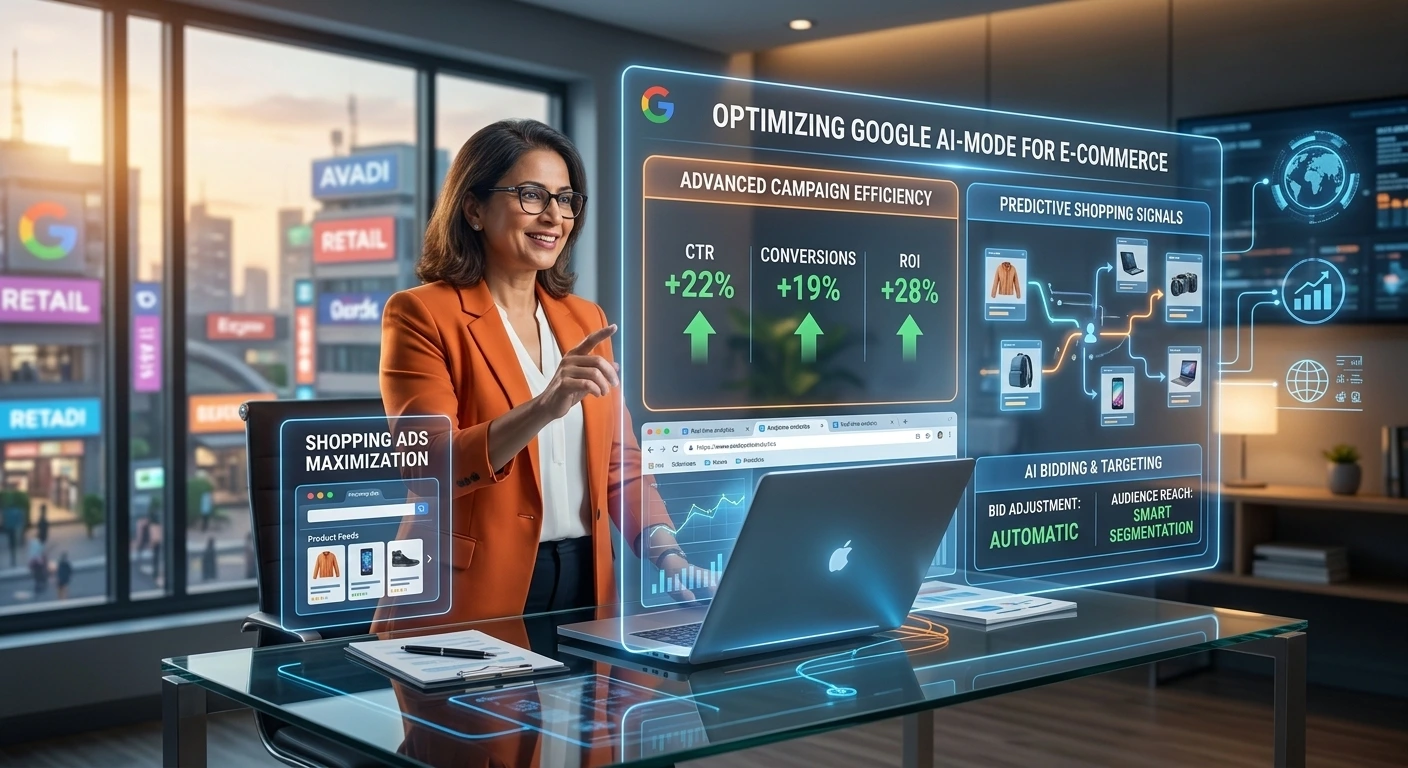
Google Search is moving beyond traditional keyword-and-ad combinations. With AI Mode, shoppers can ask longer, more conversational questions, compare products and continue the interaction with follow-up questions.
For e-commerce brands, that creates a new advertising environment. Google has been testing ads in AI Mode and developing shopping-focused formats designed to connect product discovery with purchase intent.
The important point is that there isn’t a simple “turn on AI Mode ads” switch. Your ability to participate depends on Google’s available ad experiences, campaign eligibility, product data and how well your advertising setup communicates product relevance.
Here’s how e-commerce marketers and SEO teams can prepare.
What Are Google AI Mode Ads?
Google AI Mode is an AI-powered Search experience designed for more complex and conversational queries. Instead of returning only a traditional list of results, it can generate an answer and allow users to explore the topic through follow-up questions.
Google has been testing advertising within AI Mode, including shopping-related formats. In 2026, Google described tests involving sponsored retailer recommendations that can appear when shoppers are considering products, as well as Direct Offers designed to present promotions in AI Mode.
This changes the advertising challenge from simply matching a keyword to understanding the shopper’s broader intent.
For example, a shopper might ask:
“What’s a good lightweight carry-on for a week-long international trip that’s durable but not too expensive?”
That is substantially richer than the keyword “carry-on luggage.”
Your product feed, landing page, campaign signals and conversion data all become important inputs into Google’s automated systems.
How to Advertise in Google AI Mode for E-commerce
-
Build a strong Google Merchant Center foundation
For retailers, product information is fundamental.
Shopping ads use information supplied through Merchant Center, including product titles, images and prices. Google can also use landing-page and other signals when determining how to present advertising.
Audit your feed for:
- Accurate product titles
- Current prices
- High-quality product images
- Correct availability
- Appropriate product categories
- Relevant product attributes
- Consistent landing-page information
- Accurate shipping and returns information
Don’t treat the feed as a technical requirement that gets uploaded once and forgotten. It is part of your product marketing infrastructure.
-
Use descriptive product data, not keyword stuffing
Conversational search creates more combinations of intent.
A product title such as:
“Running Shoes”
provides relatively little context.
A stronger title might communicate:
“Men’s Lightweight Road Running Shoes – Breathable Mesh, Neutral Cushioning”
The objective isn’t to cram every possible keyword into the title. Give Google’s systems and shoppers useful information about what the product actually is.
Google has also announced richer Merchant Center attributes aimed at conversational commerce, including information such as answers to common product questions, compatible accessories and substitutes.
For SEO developers, this means structured product information deserves the same attention as traditional on-page optimization.
-
Make Performance Max part of your e-commerce strategy
Performance Max uses Google’s AI for bidding, audiences, creative and other optimization functions across Google’s advertising inventory. Google positions it as a campaign type for businesses with goals such as increasing online sales.
For retailers, this matters because AI-powered Search experiences are not necessarily going to behave like a conventional keyword campaign.
Rather than trying to manually predict every conversational query, give Google’s systems strong inputs:
- Clear conversion goals
- Reliable conversion tracking
- Appropriate product feeds
- Useful creative assets
- Sensible budget allocation
- Accurate product and business information
Performance Max isn’t a guarantee of placement in AI Mode. Google’s available inventory and eligibility determine where ads can appear.
-
Test AI Max for Search where it fits
AI Max is Google’s suite of AI-powered targeting and creative enhancements for Search campaigns. It can expand matching opportunities, customize ad text and use final URL expansion to improve relevance.
For e-commerce advertisers, AI Max can be useful when shoppers express needs in ways that don’t exactly match the keywords in your existing account.
For example, instead of targeting only:
“waterproof hiking jacket”
you may need to capture searches expressing the underlying need:
“jacket for hiking in heavy rain that packs small.”
The strategic shift is from building an enormous keyword list to creating campaigns that give Google’s systems enough high-quality information and constraints to identify relevant demand.
-
Optimize landing pages for the questions shoppers actually ask
Advertising does not end at the ad.
AI-assisted shopping can introduce shoppers with much more specific expectations. Your product page should answer those questions clearly.
For an electronics retailer, that could include:
- Is it compatible with a particular device?
- What are the dimensions?
- How long does the battery last?
- What’s included in the box?
- Does it support a particular standard?
- How does it compare with the previous model?
Use clear headings, specifications, comparison information and concise answers.
This also helps conventional SEO because useful product information can serve both search engines and human shoppers.
A Practical Google AI Mode Advertising Workflow
For an e-commerce site, use this sequence:
Step 1: Audit product data
Check Merchant Center diagnostics, product attributes, pricing, availability and landing-page consistency.
Step 2: Review conversion tracking
Make sure purchases and revenue are measured correctly before giving automated bidding systems more control.
Step 3: Segment important products
Identify high-margin products, best sellers, new products and products with strong conversion rates.
Step 4: Improve product pages
Add specifications, buying guidance, compatibility information, FAQs and comparison content where appropriate.
Step 5: Review Performance Max and Search
Look for opportunities to improve assets, product coverage, conversion goals and campaign structure.
Step 6: Test AI Max where appropriate
Evaluate AI Max based on business goals and campaign performance rather than enabling it simply because it contains “AI.”
Step 7: Measure business outcomes
Track revenue, conversion value, ROAS, new customers and product-level performance. Don’t judge an emerging advertising surface solely by impressions.
What SEO Developers Should Do Differently
AI Mode makes the boundary between SEO, product data and paid search increasingly important.
Developers should ensure that important product information is:
- Crawlable and rendered correctly
- Consistent between the website and Merchant Center
- Presented in structured, machine-readable formats where applicable
- Easy for users to understand
- Kept current when prices, stock or specifications change
Google’s 2026 announcements also point toward richer conversational commerce data and new Merchant Center reporting intended to help retailers understand product performance across AI surfaces such as AI Mode and AI Overviews.
The practical lesson is simple: don’t optimize only the page or only the ad account. Optimize the product information ecosystem.
Common Mistakes to Avoid
Assuming AI Mode has a separate campaign type
There isn’t a universal campaign setting that guarantees your products will appear in AI Mode. Google controls where eligible ads are shown as formats and experiments evolve.
Treating AI Mode like traditional keyword SEO
Conversational searches can express a problem, preference and purchasing constraint in one query. A rigid list of exact-match-style phrases won’t capture the entire intent landscape.
Ignoring Merchant Center
For e-commerce, weak product data can undermine advertising performance regardless of how sophisticated the campaign settings are.
Using generic product copy
If your product page doesn’t answer obvious buyer questions, an AI-assisted shopping journey has less useful information to work with.
Optimizing only for clicks
A growing AI search environment makes measurement even more important. Focus on qualified traffic, conversion value, profitability and customer quality—not visibility alone.
Key Takeaways
- Google AI Mode ads for e-commerce are an emerging advertising opportunity, not a conventional standalone campaign type.
- Merchant Center product data is a critical foundation for retail advertising.
- Performance Max and AI Max can help advertisers work with Google’s increasingly AI-driven Search environment.
- Product pages should answer detailed, conversational buying questions.
- SEO developers should treat product data, structured information and landing-page content as connected systems.
- Measure revenue and conversion value rather than assuming visibility automatically produces business results.
- Keep monitoring Google’s official announcements because AI Mode advertising formats and availability continue to evolve.
FAQ
Can I directly create a Google AI Mode ad campaign?
Not as a universal standalone campaign type. Google is testing and expanding advertising experiences within AI Mode, while existing Google Ads products can provide opportunities to participate where eligible.
Do Shopping ads appear in Google AI Mode?
Google has been developing and testing shopping-focused advertising experiences in AI Mode. The exact format, availability and eligibility can change as Google rolls out its experiments and products.
Does Performance Max help with AI Mode?
Performance Max is an AI-powered campaign type designed to optimize across Google’s advertising inventory. It can therefore be part of an e-commerce strategy for Google’s evolving AI Search environment, but it does not guarantee AI Mode placement.
How should I optimize products for Google AI Mode?
Start with accurate Merchant Center data, detailed product attributes, strong images, consistent pricing and availability, and product pages that answer real customer questions.
Is SEO still important if Google uses AI to answer searches?
Yes. AI-powered Search still relies on information from the web and product ecosystem. Strong technical SEO, useful product content and authoritative information remain important foundations.
Should e-commerce brands use AI Max?
Evaluate it based on campaign objectives, measurement quality and performance. AI Max provides targeting and creative enhancements for Search, but advertisers should retain appropriate brand, geographic and campaign controls.
How can I measure visibility in AI-powered Google Search?
Use available Google Ads and Merchant Center reporting, alongside your normal analytics and conversion reporting. Google has announced AI Performance Insights for Merchant Center to provide additional visibility into product performance across AI surfaces.
Conclusion
Advertising in Google AI Mode for e-commerce is less about discovering a secret ad setting and more about preparing your entire retail marketing system for conversational search.
Start with accurate Merchant Center data. Build product pages that answer specific buying questions. Use Performance Max and, where appropriate, AI Max to let Google’s automation respond to changing search behavior. Then measure the outcomes that matter to your business.
The biggest opportunity for e-commerce teams is to stop treating paid search, SEO and product data as separate disciplines. As Google Search becomes more conversational and shopping becomes more AI-assisted, the quality and completeness of your product information can influence how effectively your brand participates across the journey from discovery to purchase.